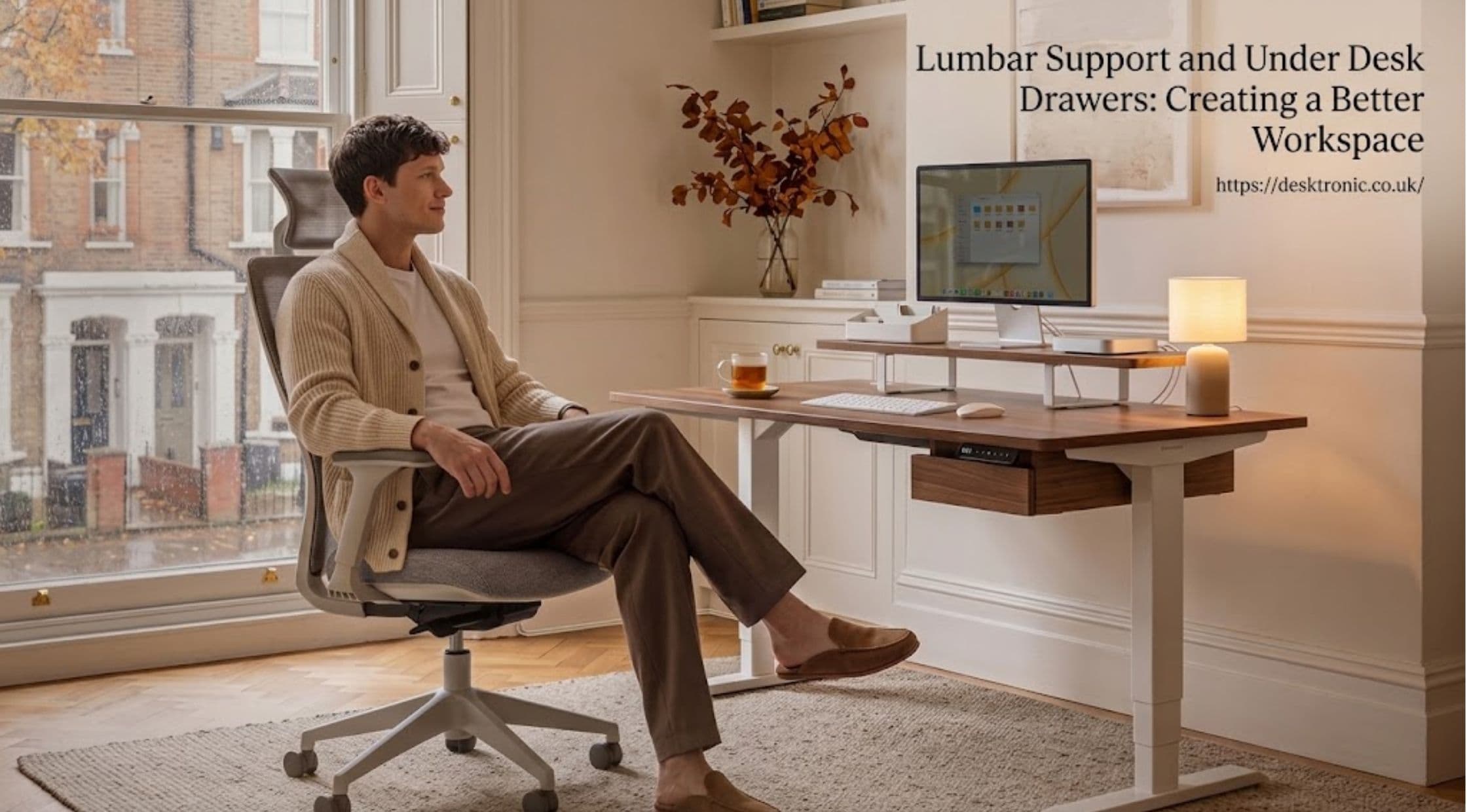
A comfortable workspace depends on more than a suitable desk and computer. Seating support, accessible storage, and an organized layout can influence how practical a workstation feels throughout the day. Small adjustments can also help make limited office space more functional.Three useful considerations include lumbar support, under desk drawers, and choosing accessories that complement the desk. Together, these elements help create a workspace that balances comfort with everyday organization.
Why Lumbar Support Matters
Lumbar support focuses on the lower region of the back. A chair with suitable lower-back support can help maintain a more comfortable sitting posture during desk-based activities.The right setup depends on individual body shape, chair design, and desk height. A chair should support the natural curve of the lower back without forcing the body into an uncomfortable position.Adjustable seating can make it easier to position the backrest appropriately. Seat height, foot placement, and monitor position also influence overall workstation comfort.However, lumbar support is only one part of an ergonomic setup. Regular movement and breaks remain important during long periods of sitting. No chair or accessory can guarantee the prevention or treatment of back pain.
Under Desk Drawers for a More Organized Workstation
A tidy desk can make everyday tasks easier by keeping frequently used items within reach. Under desk drawers provide storage without occupying valuable space on the desktop.Pens, notebooks, documents, charging accessories, and other small essentials can be stored beneath the work surface. This arrangement leaves more room for a keyboard, monitor, and other equipment.Desktronic offers an under-desk drawer designed for storing everyday office supplies. Its product information describes a steel construction, a sliding mechanism, and installation hardware. The drawer is designed to fit a range of tabletops, subject to the stated dimensions and clearance requirements.The Desktronic includes desk storage and other workspace accessories for different setup needs.Before purchasing an under-desk drawer, checking the available legroom is important. The drawer should not interfere with seated knee space or the movement of an adjustable desk.
Desk Drawer Under the Work Surface: What to Consider
The phrase desk drawer under describes a simple storage approach that can work in home offices, study areas, and professional workstations. Installing a drawer below the desk keeps supplies accessible while reducing visible clutter.
Several practical factors help determine whether this arrangement suits a particular workspace.
- Dimensions: Check the drawer length, width, height, and required mounting clearance.
- Material: Consider the construction and whether it suits the intended storage needs.
- Weight capacity: Confirm the maximum load before storing heavier items.
- Installation: Review the mounting method and whether the tabletop supports it.
- Legroom: Ensure the drawer does not restrict comfortable seating.
Desktronic's published drawer specifications include a maximum load capacity and minimum clearance requirements. These details should be checked against the current product listing before installation.
Combining Storage with Ergonomic Accessories
A productive workstation works best when its accessories serve clear purposes. Storage helps organize supplies, while ergonomic accessories can improve equipment positioning and desk usability.Desktronic offers several accessories alongside its desk drawer. These include monitor stands, monitor arms, cable trays, and magnetic cable channels.A monitor stand can raise a screen to a more suitable viewing height. Monitor arms offer additional positioning flexibility, while cable-management accessories help control loose wires.The Desktronic provides an overview of its desks, chairs, and workspace accessories.Selecting accessories should begin with the existing desk layout. A monitor arm may benefit a setup with limited desktop space, while a drawer can suit someone who needs additional storage for small items.Not every workstation needs every accessory. Choosing only the items that address actual workspace challenges can keep the setup practical and uncluttered.
Building a Workspace That Fits Daily Needs
An effective workspace should accommodate the tasks performed there and the person using it. Desk dimensions, chair adjustments, storage requirements, and equipment placement all contribute to usability.For a compact home office, under-desk storage can free up surface space. A suitable chair and correctly positioned monitor can support a more comfortable working arrangement.People using standing desks should also consider accessory compatibility. A drawer or cable tray must fit the desk structure and allow moving components to operate without obstruction.The best setup is not necessarily the one with the most accessories. It is the one that supports comfortable positioning, organized supplies, and easy access to frequently used equipment.
Final Thoughts
Lumbar support, under desk drawers, and thoughtful accessory placement can all contribute to a more functional workspace. Each serves a different purpose, from supporting seated posture to reducing desktop clutter.Desktronic offers storage and ergonomic accessories that can help organize a workstation around everyday requirements. Its desktronic provides a starting point for exploring available options.Before choosing a drawer or ergonomic accessory, checking measurements, compatibility, and personal comfort requirements can prevent unnecessary purchases. A carefully arranged workspace makes better use of available space while keeping daily tasks convenient.